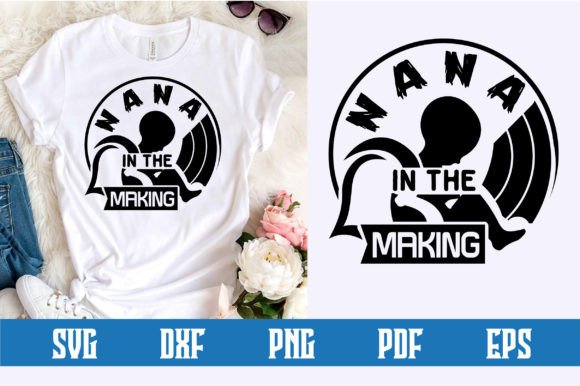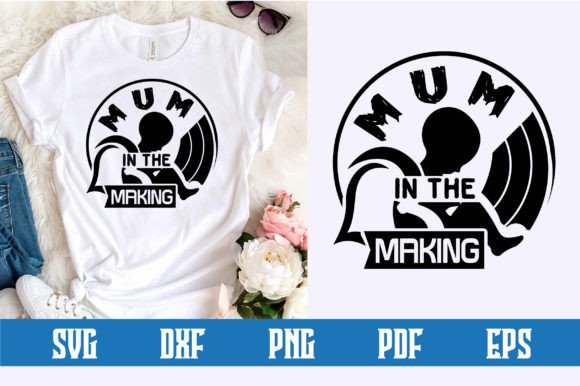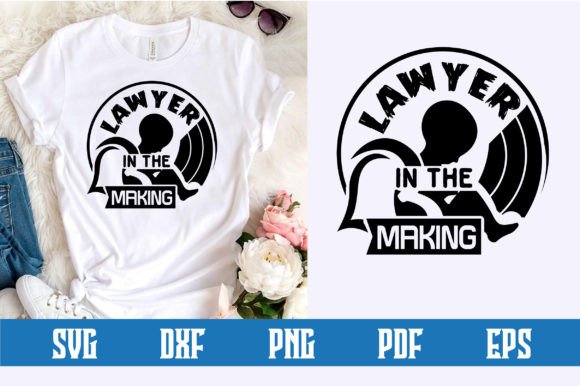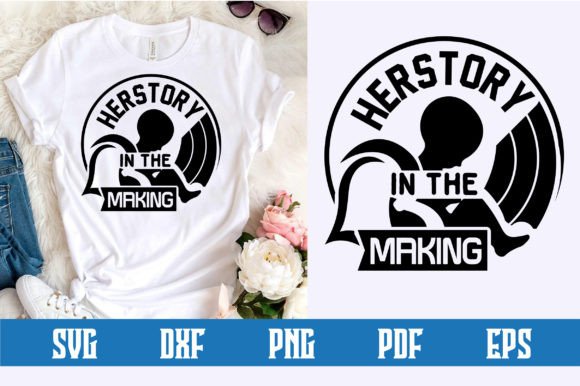
Mommy in the Making SVG Design
There is a special kind of anticipation that comes with the journey into motherhood. Whether you are preparing for your first child, documenting a growing family, or creating a thoughtful gift for someone in that transformative season of life, the Mommy in the Making SVG Design captures that feeling in a visual and versatile format. This digital design is more than just a graphic; it is a flexible creative tool that can be adapted across countless projects for personal expression, business use, or heartfelt giving.
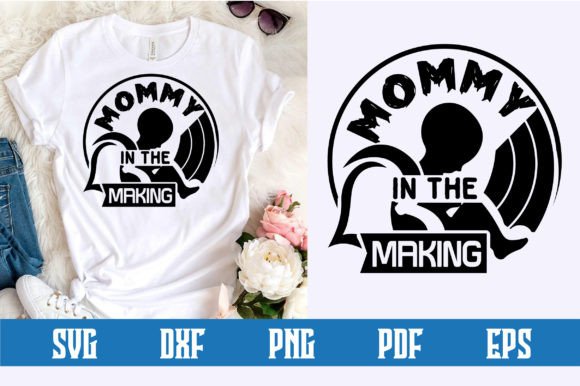
At its core, this SVG design features layered text and imagery that centers around the phrase “Mommy in the Making.” The design is delivered as a Word by Layer SVG file, meaning each element of the design is separated into individual layers. This structure gives you precise control over colors, sizing, and arrangement when working in compatible software or cutting machine programs. You are not locked into a single color scheme or layout. Instead, you can customize every detail to match your vision.
What Makes This Design Different from a Standard Graphic
A typical image file is static. You can resize it or print it, but you cannot easily pull apart the words and decorative elements to change their individual colors or positions. The Mommy in the Making SVG Design is built differently. Because it comes as a Word by Layer file, each word, decorative element, or background shape sits on its own layer. This layered approach matters whether you are cutting vinyl for a shirt, creating a multi-colored sign, or preparing a digital design for a card.
For someone using a cutting machine like a Cricut, the layered SVG format means you can assign different colors to different parts of the design directly in the software. The word “Mommy” might be one color, “in the Making” another, and a small floral accent a third. You can even hide or delete layers you do not want without affecting the rest of the design. That kind of flexibility is hard to find in a standard PNG or JPEG.
For the Expecting or Hopeful Parent
If you are personally navigating the journey toward motherhood, this design can become a meaningful part of your own story. You might use it to create a journal cover, a wall print for the nursery, or a customized mug that makes each morning feel a little more special. The design works well for personal projects because you can tailor the colors to match your nursery theme, your favorite palette, or the season you are in. A soft pastel version might feel calming and tender, while a bolder metallic vinyl cut could make a statement on a tote bag you carry to prenatal classes.
The design also lends itself to documenting milestones. You could craft a series of items as your pregnancy progresses: a onesie with the design early on, a framed print for the baby shower, and later a thank-you card for those who supported you. Because the file is a digital download, you can use it again and again without needing to repurchase it. That repeated use adds both sentimental and practical value.
Beyond the Personal User: Practical Value for Different Audiences
While the Mommy in the Making SVG Design resonates strongly with individuals on a personal journey, its usefulness extends well beyond that circle. Different people approach this design with different priorities, and understanding those perspectives can help you decide if it fits your own needs.
For Crafters and Small Business Owners
If you run a small craft business or sell handmade goods on platforms like Etsy or at local markets, this design offers commercial potential. The Word by Layer structure means you can produce finished products efficiently while maintaining a professional look. You might cut the design in heat transfer vinyl for baby shower t-shirts, use it in sublimation printing for ceramic mugs, or incorporate it into custom greeting cards and stationery.
Because the bundle includes SVG, EPS, PNG, DXF, and PDF formats, you can move between different machines and software without losing quality. The EPS file is vector and fully editable, which is helpful if you want to refine the design further in Adobe Illustrator or Affinity Designer. The PNG file at 300 DPI with a transparent background works well for print-on-demand listings or digital previews. The DXF file is compatible with a variety of cutting machines beyond Cricut, including Silhouette and other CAD-based systems.
From a business perspective, the design’s flexibility also helps you serve different customers. Some buyers want a minimalist monochrome look, while others prefer something colorful and layered. Because you can adjust the colors and remove or emphasize specific layers, you can create multiple product variants from a single design file. That saves time and increases your product range without requiring a new design investment.
For Educators and Program Leaders
If you lead parenting classes, support groups, or community workshops for expecting parents, this design can be a creative resource. You might use it to create worksheets, certificates of completion, or decorative materials for group sessions. The design could even be the basis for a hands-on activity where participants create their own keepsake items during a workshop. The file formats include a PDF, which is easy to print and distribute without specialized software.
In educational settings, the layered nature of the design can also serve as a teaching tool for showing how SVG files work, how layers interact, or how vector graphics differ from raster images. It is a practical example that connects creative work with technical understanding.
Understanding the File Format Bundle and What You Receive
When you purchase the Mommy in the Making SVG Design, your download comes as a single ZIP file containing five distinct file formats. Knowing what each format does and when to use it helps you get the most out of your purchase.
- SVG File (Word by Layer): This is the primary working file for Cricut and other cutting machine software. It preserves the layered structure exactly as designed, so you can assign different colors to different words or elements.
- EPS File: Fully editable vector format. Use this if you work in professional vector editing software. It retains all paths and properties, giving you granular control over every anchor point and curve.
- PNG File (300 DPI, Transparent Background): Use this for digital mockups, print-on-demand listings, or quick previews. The high resolution ensures crisp output at standard sizes.
- DXF File: Compatible with AutoCAD, Silhouette Studio, and many other CAD and cutting programs. This is a reliable fallback if your software prefers DXF over SVG.
- PDF File: Adobe Illustrator source file and also a universal print-ready format. Open it in any PDF viewer for straightforward printing or further editing in Illustrator.
Having this range of formats means you are not locked into one workflow. A hobbyist working only with a Cricut may use the SVG file exclusively, while a professional designer might start with the EPS or PDF to make refinements before exporting for production.
Why Word by Layer Structure Matters for Beginners and Pros Alike
If you are new to SVG designs and cutting machines, the Word by Layer approach can feel like a guided experience. Instead of needing to separate elements yourself, the work is already done. You open the file, see each piece on its own layer, and decide how to arrange or color them. That removes a significant learning curve and lets you focus on the creative part of your project.
For experienced users, the layered structure is a time-saver. You can quickly modify the design without rebuilding it from scratch. You might swap out a decorative element, adjust the spacing between words, or combine this design with other SVG files in a larger composition. The reliability of the file structure means fewer surprises during cutting or printing.
Practical Applications Across Different Project Types
The Mommy in the Making SVG Design is advertised as suitable for shirts, mugs, signs, cards, home decoration, clothing, stationery, and wall art. Each of these applications benefits from the design’s layered format in a slightly different way.
For t-shirts and clothing, the layered SVG lets you cut each color of vinyl separately and stack them accurately. The result is a professional multicolor design that holds up well to washing. If you prefer a simpler look, you can merge layers and cut the entire design from a single roll of vinyl.
For mugs and drinkware, the PNG at 300 DPI works perfectly for sublimation printing. The transparent background means the design blends seamlessly with the mug surface, leaving no white box around the edges. The layered structure also makes it easier to reposition individual elements if you want a more spread-out composition.
For signs and wall art, the flexibility of scaling a vector file is invaluable. You can enlarge the design to fit a 12x12 inch canvas or shrink it for a small framed print without losing any sharpness. The PDF format is especially convenient for home printing on card stock or photo paper.
For cards and stationery, the ability to remove or adjust individual layers lets you create a version that works well at smaller sizes. You might remove a larger decorative element to keep the text readable and balanced on a 5x7 card.
Evaluating Quality, Flexibility, and Long-Term Usefulness
When you are deciding whether a design like this matches your needs, several factors come into play beyond just the visual appeal. Quality in an SVG file is partly about how cleanly the paths are drawn and how reliably the design cuts or prints. The Word by Layer structure here suggests that the designer has taken care to separate elements cleanly, which reduces the risk of cut lines overlapping or layers merging incorrectly.
Flexibility is another major consideration. Because the design comes in five formats and is layer-separated, it can adapt to a wide range of projects and skill levels. That flexibility also contributes to long-term usefulness. You might use the design today for a baby shower project, and a year later use the same file for a thank-you card or a first birthday decoration. The design is not tied to a single moment; it grows with the person who uses it.
Cost is always relevant, especially for digital downloads that cannot be returned. In this case, you are getting a bundle of files that can be used an unlimited number of times for personal or commercial purposes. Compared to buying a single-use design or paying for a custom design from scratch, the value comes from repeatability and versatility.
For beginners, the learning value is also meaningful. Working with a well-structured layered SVG helps you understand how vector graphics and cutting software work. You can experiment with colors, layers, and grouping without worrying about ruining a master file, because you can always return to the original download.
Matching the Design to Your Own Goals and Skill Level
Not every design works well for every person or every project. The Mommy in the Making SVG Design is strongest when you have a clear use case that benefits from layered customization. If you want a single-color, no-fuss design that you can print quickly, you might still appreciate the PNG file for its transparency and resolution. If you need a design for complex multicolor vinyl work, the layered SVG is your best option.
If you are a hobbyist just starting out, this design gives you room to learn without frustration. The files are ready to use, and the format variety means you can try different approaches on the same design. If you are a professional or small business owner, the design saves time and offers commercial flexibility that can translate directly into finished products for sale.
For consumers who are buying gifts or commissioning items, understanding that this design is available as a versatile digital file can help you request specific customizations from a seller. You might ask for a particular color scheme or layout, knowing that the layered structure makes those changes straightforward.
Ultimately, the Mommy in the Making SVG Design is a resource that respects your time, your creativity, and your specific project needs. Whether you are crafting for yourself, for a loved one, or for customers, the layered Word by Layer format gives you the control to produce results that feel personal and polished. It is a small digital file with a lot of potential, ready to become part of your creative process or your next business offering.